SVG Text & Color Font Generator for Cricut, Plotter and Web
Create production-ready layered SVG lettering and multi-layer color fonts directly in your browser. Export clean SVG, PNG or compact WOFF2 — no account required.
Works on Desktop, iOS and Android — install as an app or use it directly in your browser.
Export clean layered SVG with real-world dimensions (mm / cm / inch). Perfect for Cricut Design Space, Silhouette Studio and laser cutters.
Generate repeatable multi-layer color fonts (OTF / WOFF2) from templates and presets.
Built for production-quality output — simple to use.
No registration. No tracking. No user data collected.
Two Ways to Create Production-Ready SVG and Color Fonts
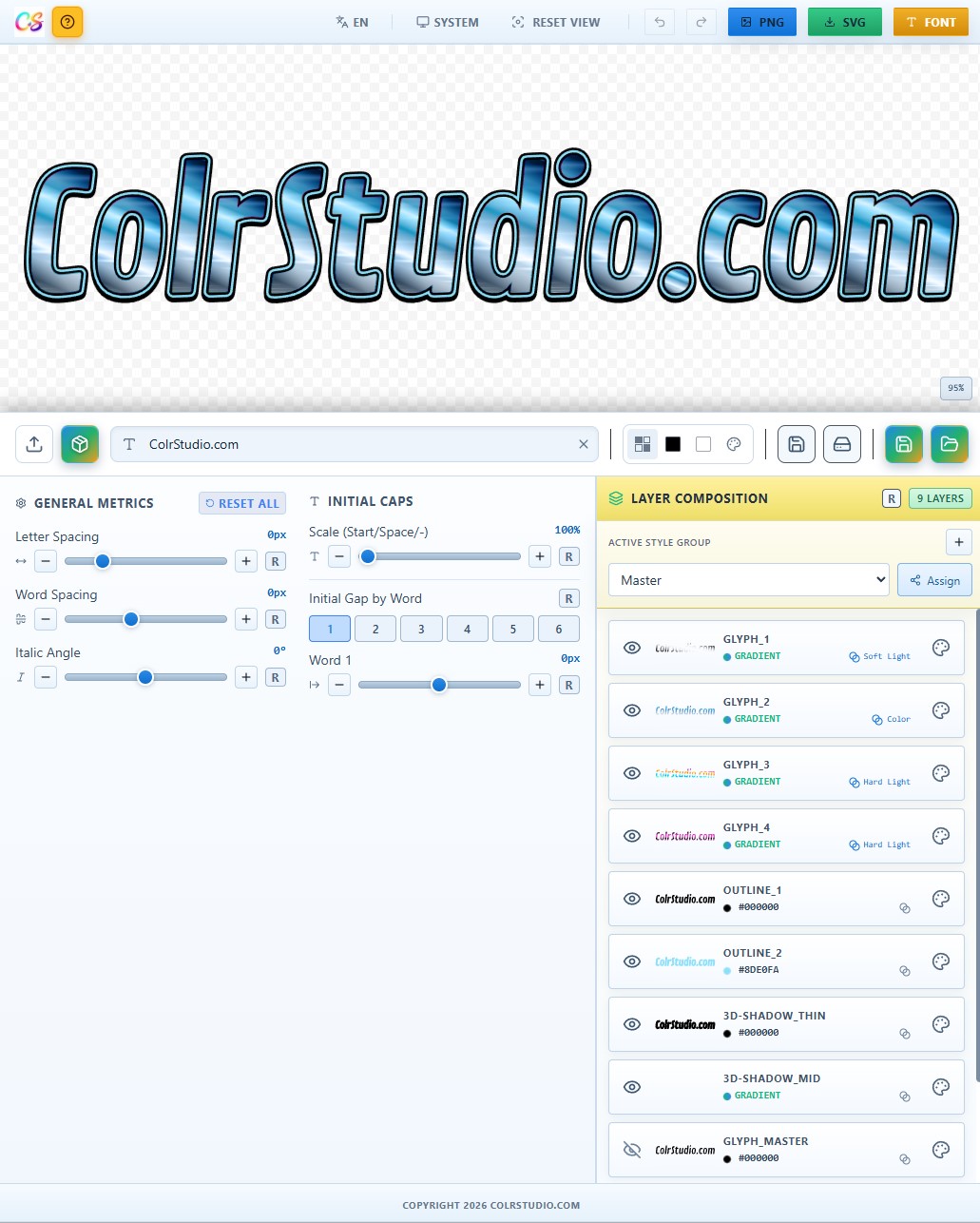
ColrStudio connects typography and production. Use it as an SVG text generator — or as a structured color font builder.
From Color Font to Clean SVG
Use layered color fonts as your source and export precise, structured SVG files.
- check_circleClean layer separation for Cricut, Silhouette and laser cutters
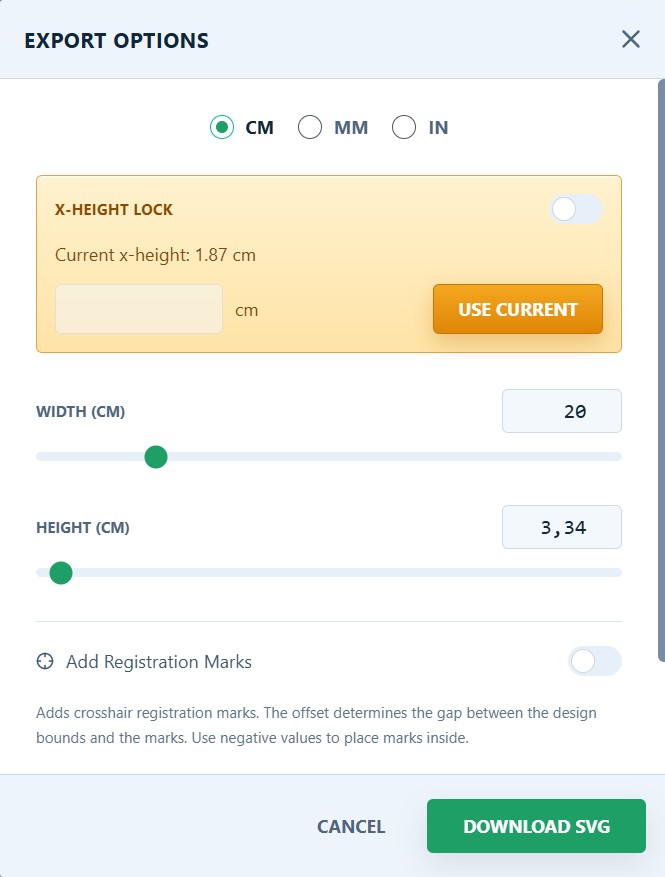
- check_circleExact bounding box and real-world dimensions (mm / cm / inch)
- check_circleOptional registration marks for multi-layer cutting
Build Multi-Layer Color Fonts (OTF / WOFF2)
Create structured COLRv1 color fonts from templates and presets.
- check_circleLayer control and repeatable effects
- check_circleConsistent output for series and branding
- check_circleCompact WOFF2 for modern web use
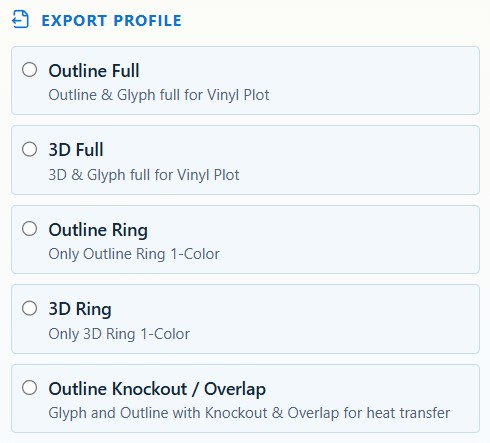
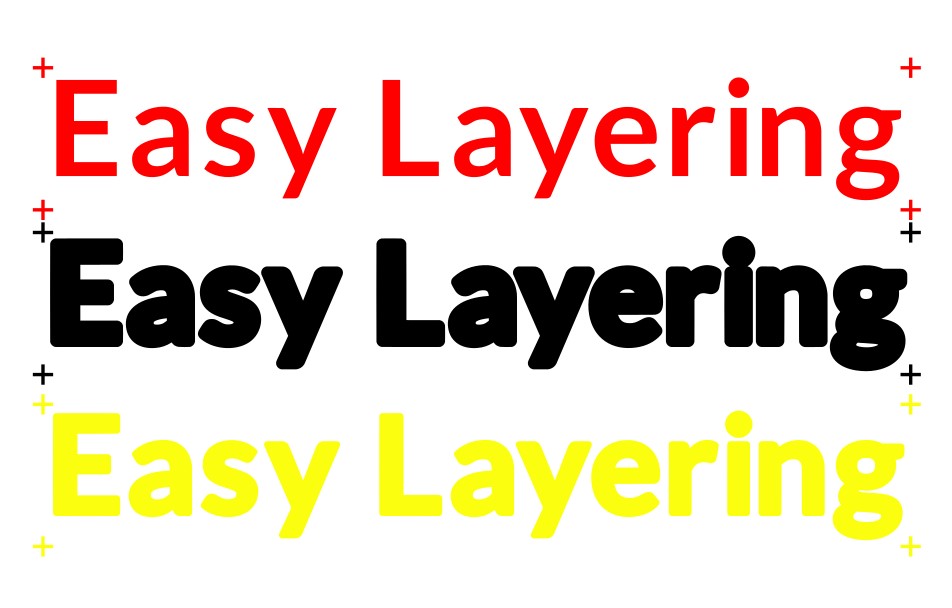
From Color Font to Production-Ready SVG — No Cleanup Required
ColrStudio generates clean, layered SVG files that work reliably in Cricut Design Space, Silhouette Studio and laser cutter software.
Instead of fixing spacing, alignment or layers after import, everything is prepared at the typography level — before export.
What this means in practice
- align_center
Perfect Layer Alignment
All SVG layers are generated from the same font geometry and sit precisely on top of each other. No manual nudging. No re-alignment inside your cutting software.
- unfold_more
Kerning That Already Works
Fonts are pre-kerned for production use (including outlines and 3D styles). Adjust letter and word spacing directly in ColrStudio — not after importing the SVG.
- target
Built-in Registration Marks
Optional registration marks are added consistently across all layers, enabling reliable multi-color alignment and repeatable production.
- tune
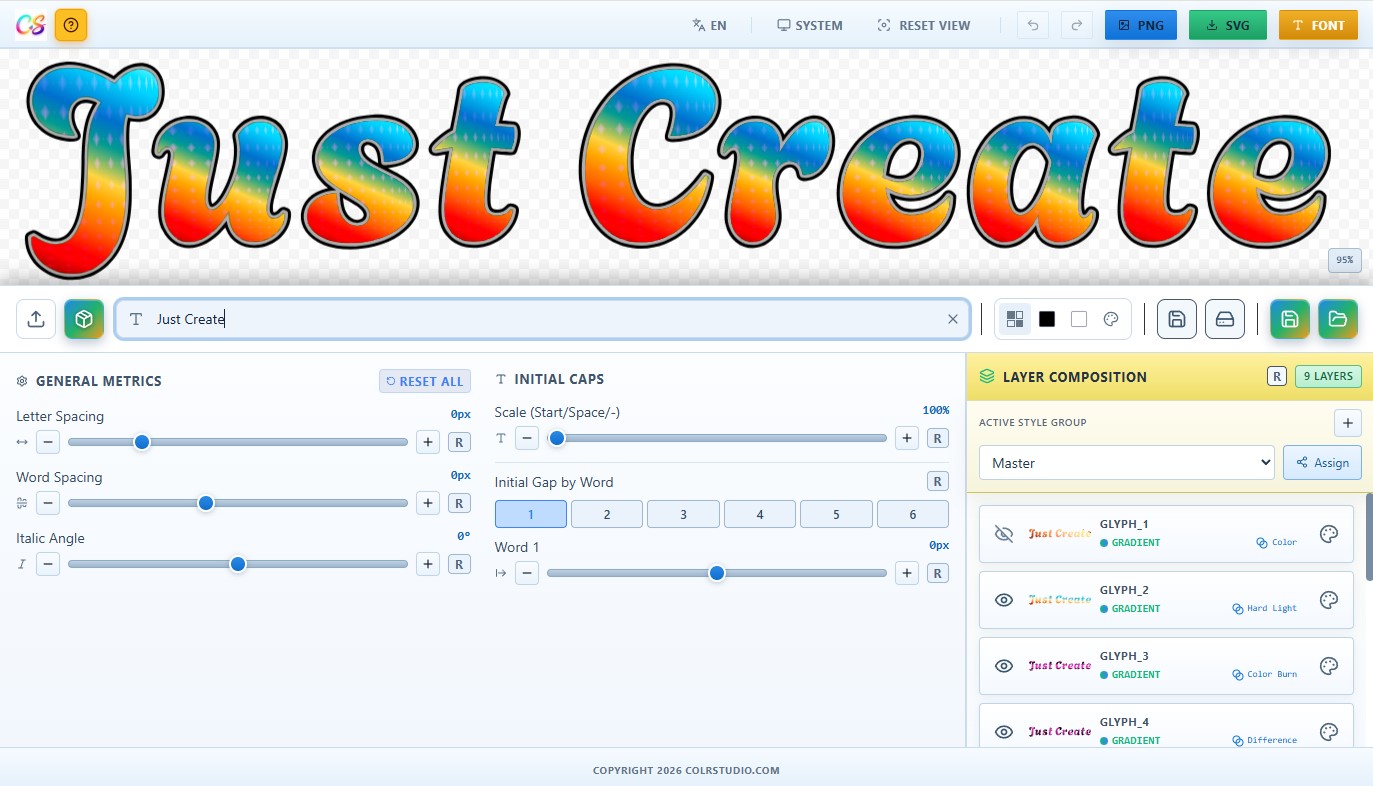
Typography Adjustments Before Export
Initial caps size, letter spacing and word spacing are handled inside the app — not destructively in the SVG file.
- precision_manufacturing
SVG Structure Designed for Cutters
The exported SVG is clean, layered and dimensionally accurate. Cutter software behaves predictably instead of guessing how to interpret the file.
The Result
Import. Resize. Cut.
No fixing typography inside Cricut or laser software first.
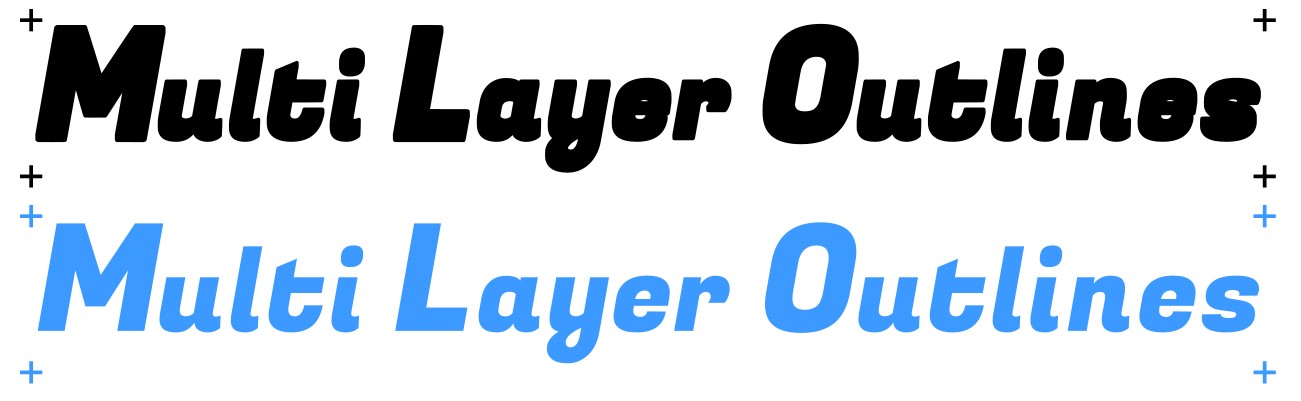
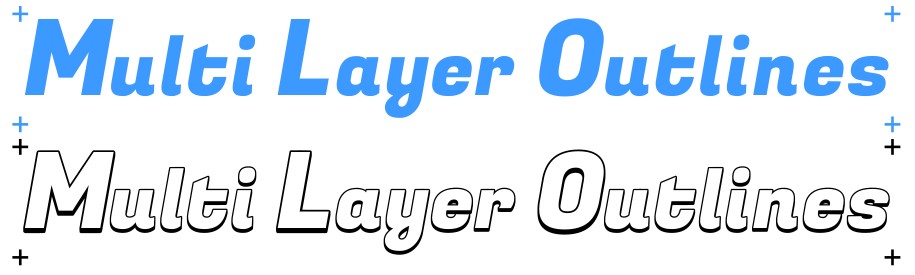
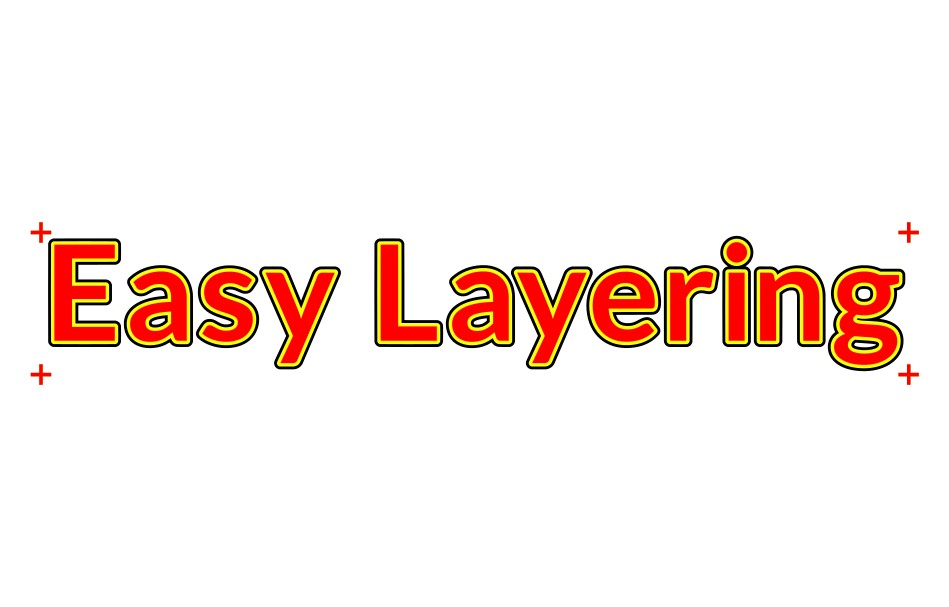
Export Result Examples
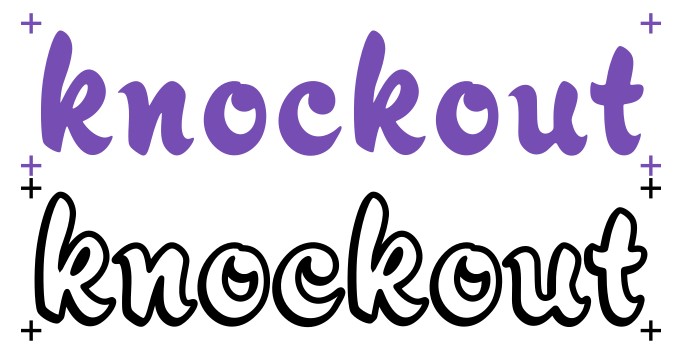
Clean, layered SVG output — ready for immediate use in your cutting or laser software.

Build Multi-Layer Color Fonts (OTF & WOFF2)
Traditional font workflows create separate files for outlines, shadows and color versions.
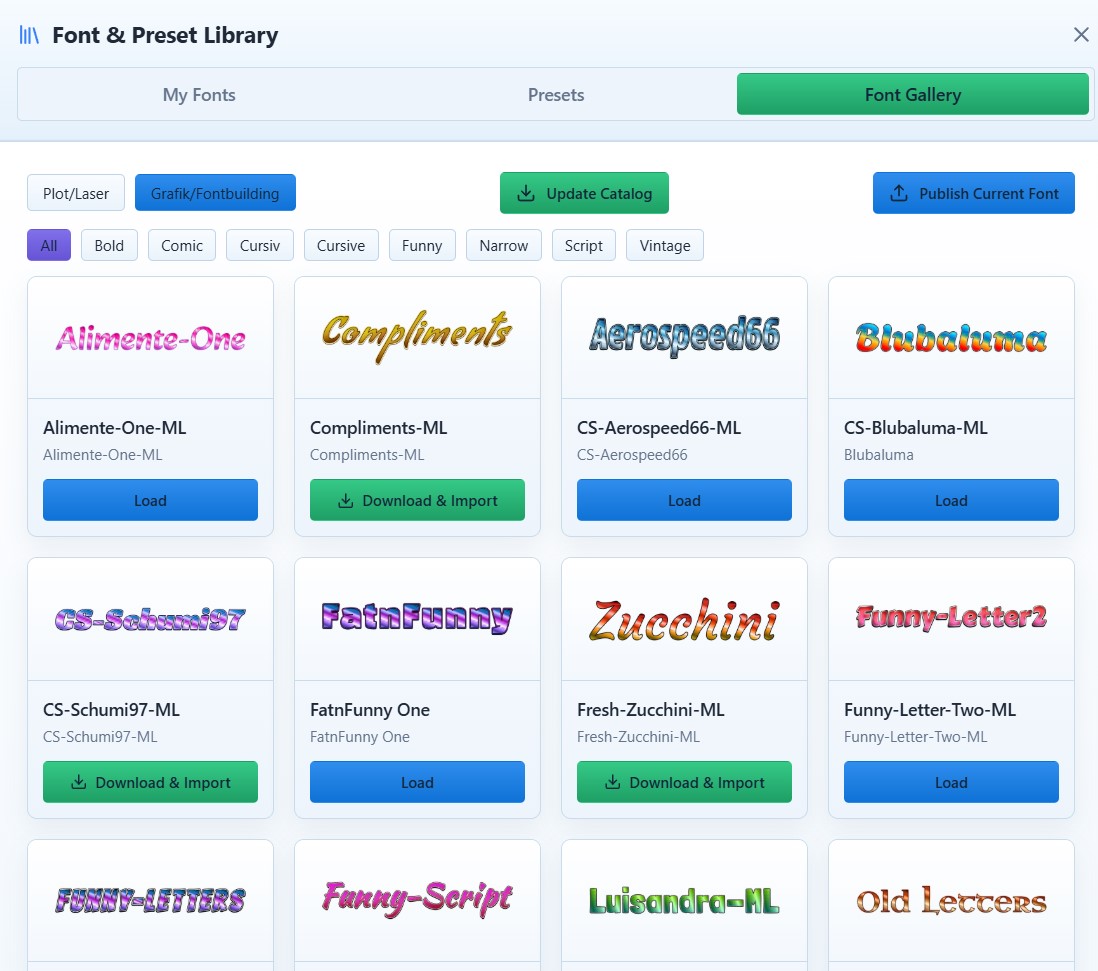
ColrStudio builds structured multi-layer color fonts instead — where layers, colors and effects are part of the font definition itself.
What makes it different
- rebase_edit
Reproducible Font Variants
Layer structure, colors, gradients and transparency are defined once and applied consistently across the entire character set. No rebuilding styles per glyph. No manual duplication of variants.
- gradient
Controlled Color & Gradient Systems
Solid colors, alpha layers and gradients are treated as structured font layers — not as baked visual effects. This keeps color fonts reusable and predictable across projects.
- account_tree
One Font, Multiple Outputs
The same layered font can be exported as:
OTF (COLRv1)Compact WOFF2Compatible with modern browsers (Chrome, Edge, Firefox, Opera) and design tools that support COLRv1.
- branding_watermark
Designed for Branding Workflows
Base, outline, filled, gradient and effect styles remain visually consistent. A single structured font definition can represent an entire visual identity system.
The Result
A compact, reusable color font — not a collection of static graphic files.
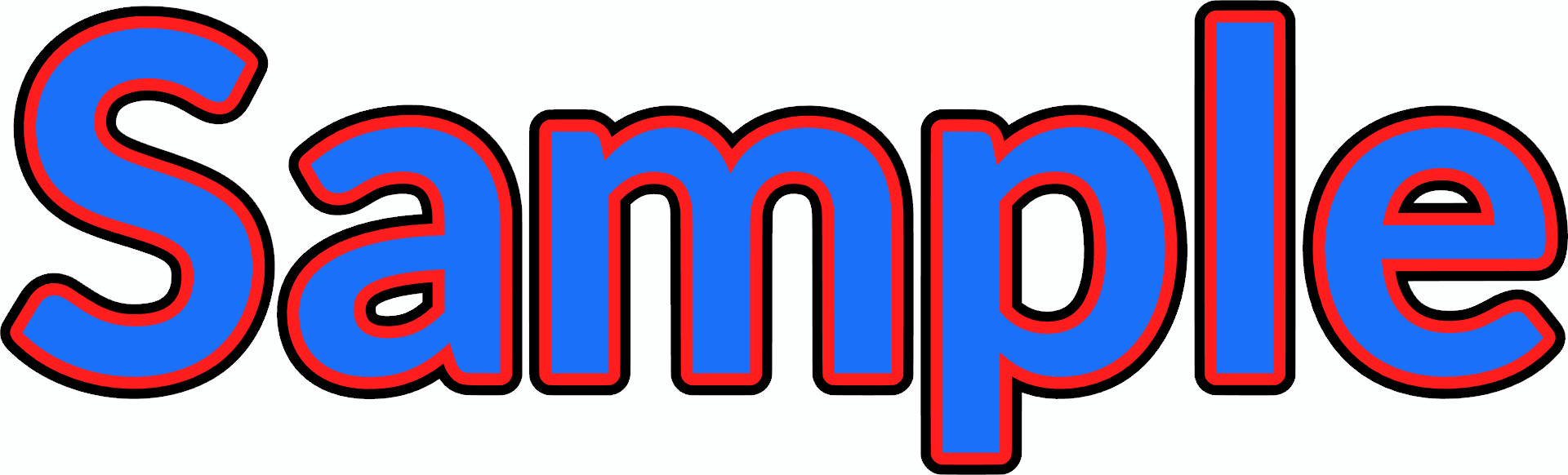
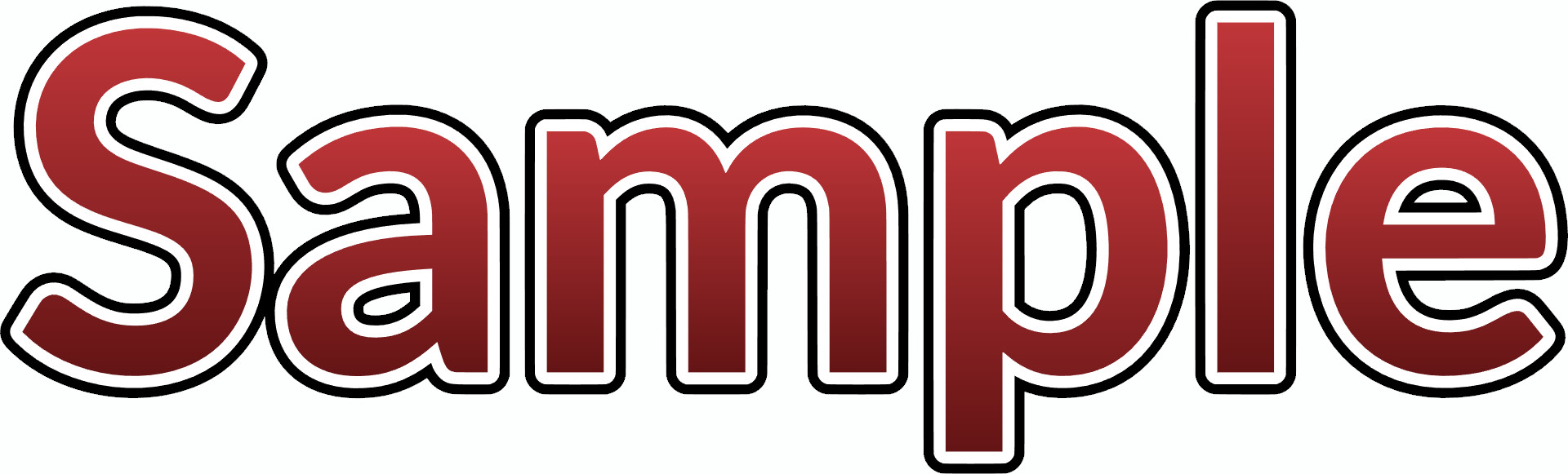
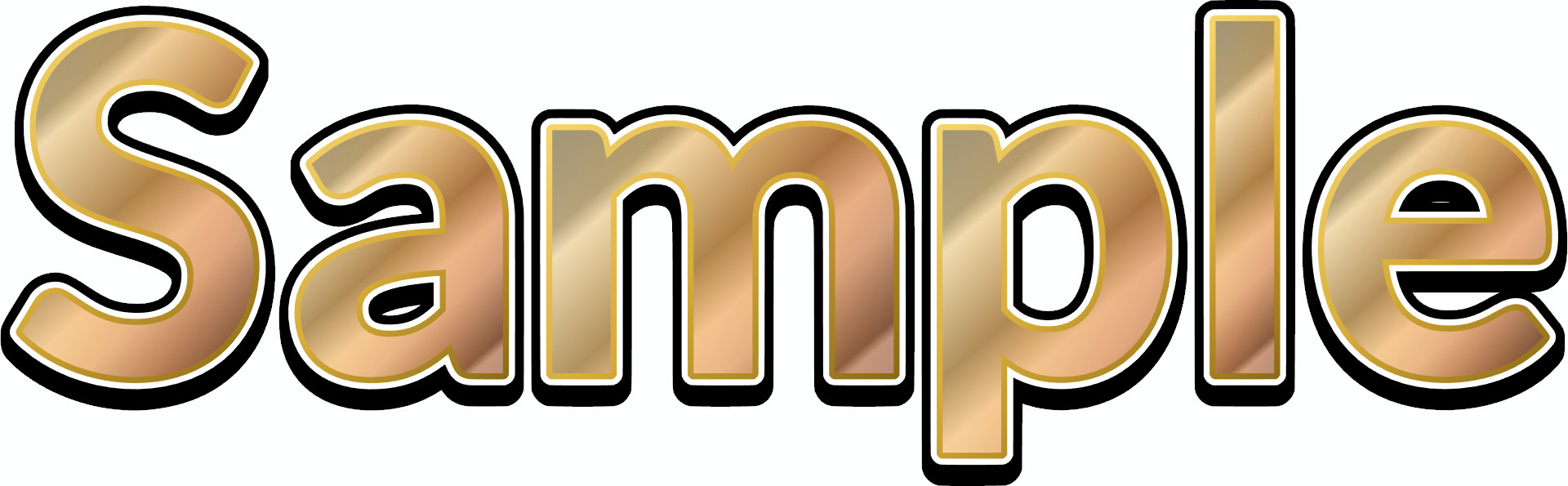
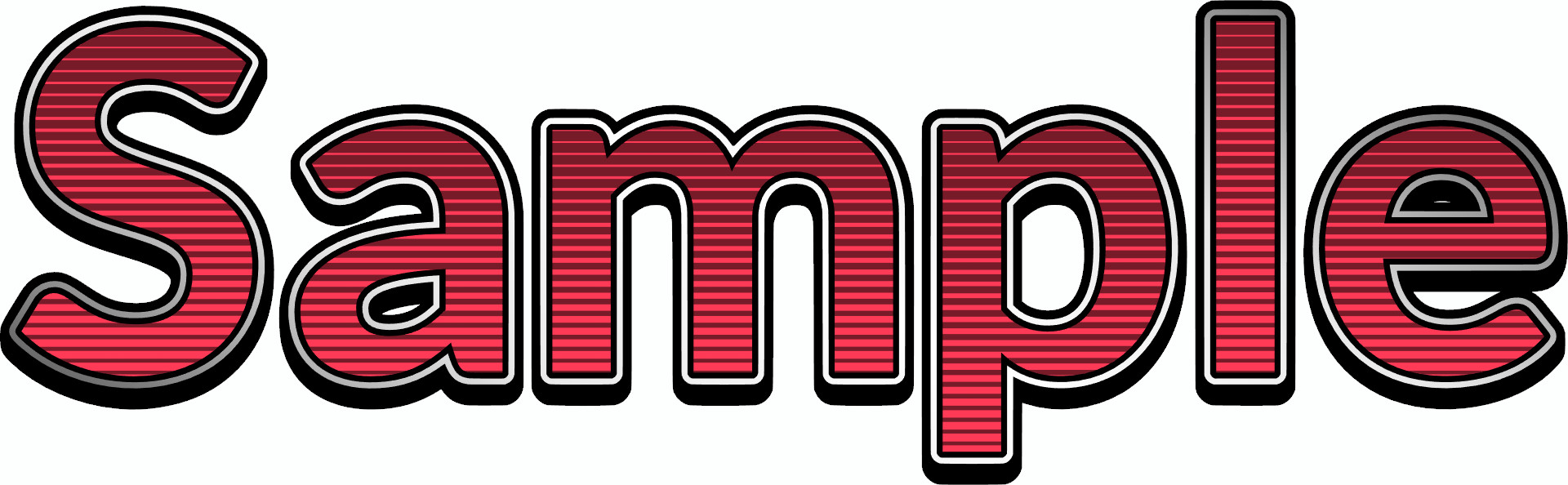
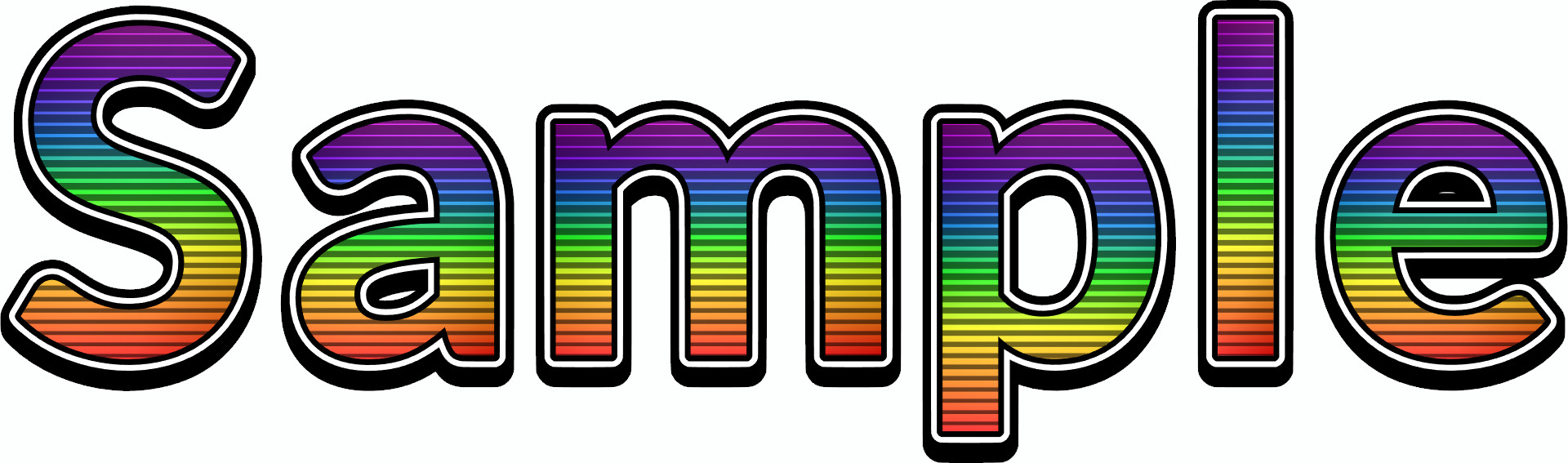
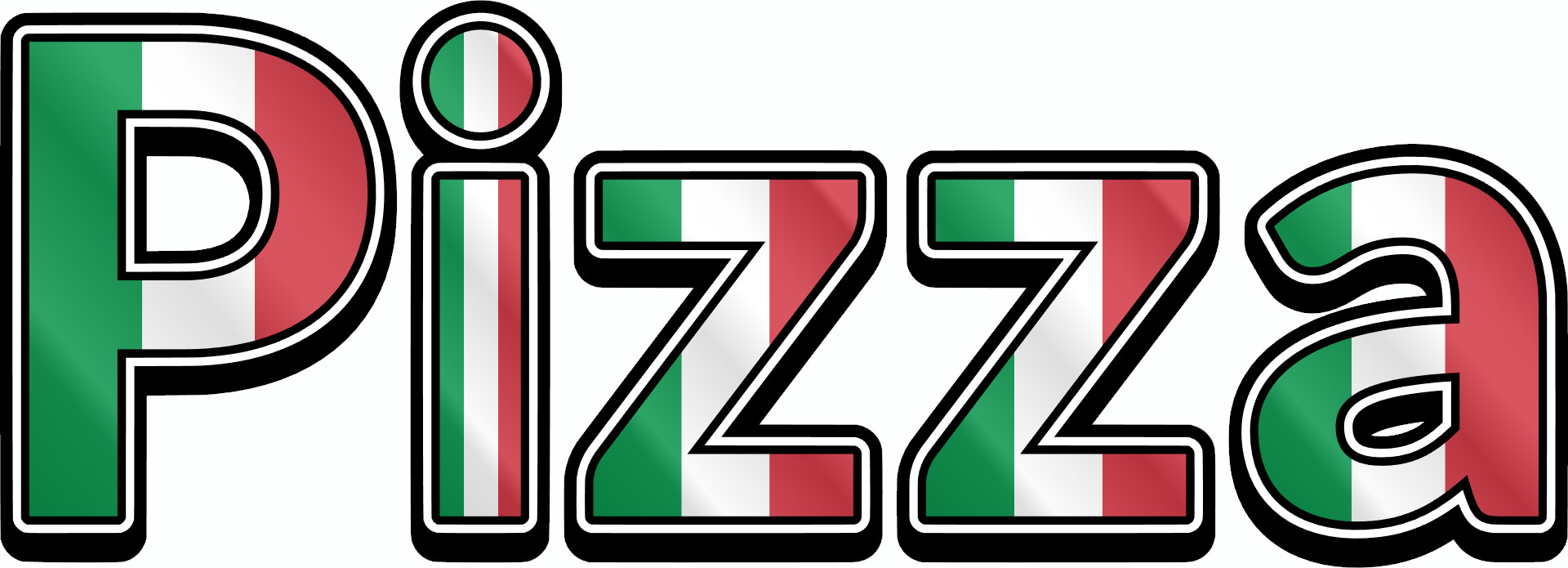
Live COLRv1 Typography Experience
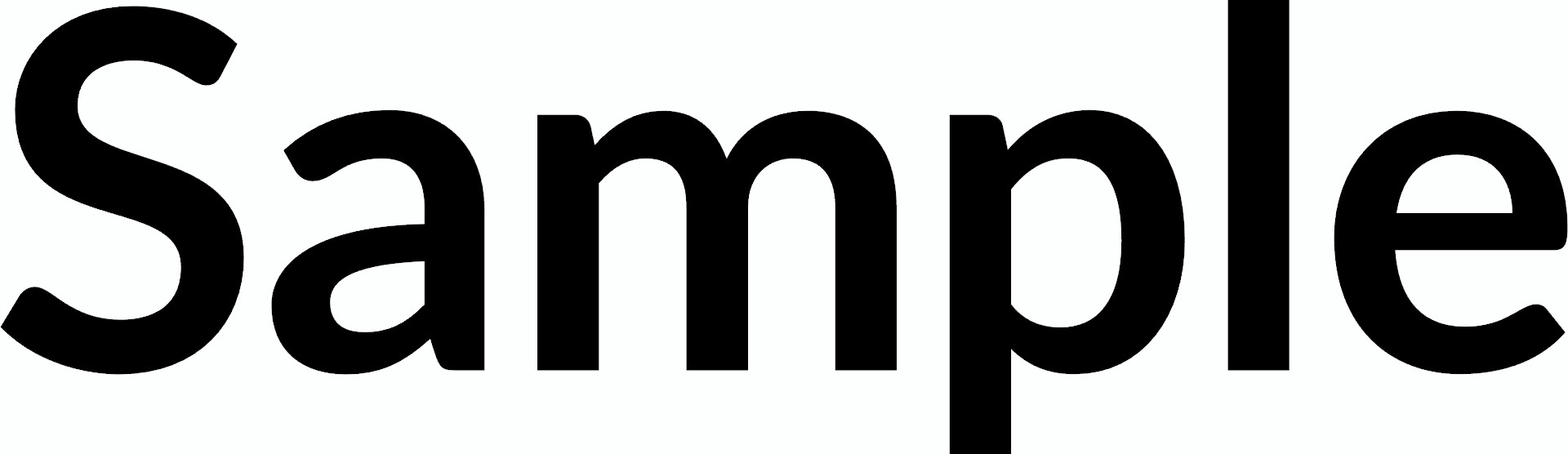
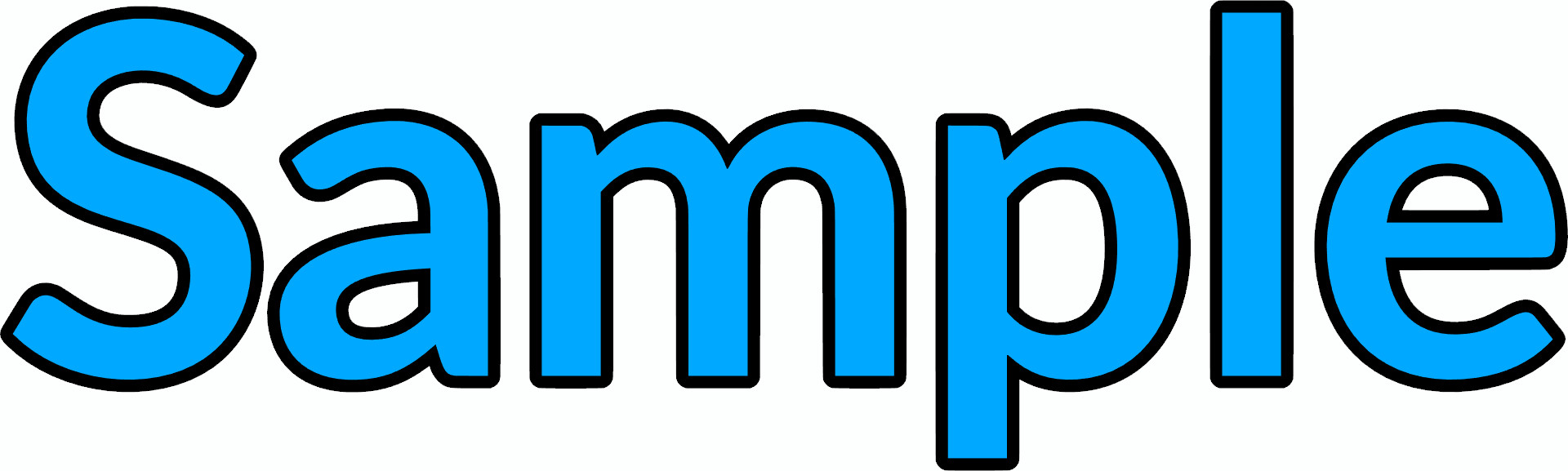
Every pixel rendered below is part of a single layered font file.
No COLRv1 Support? Export as SVG or PNG Instead
Not every design tool supports modern COLRv1 color fonts.
ColrStudio ensures your layered designs remain usable everywhere.
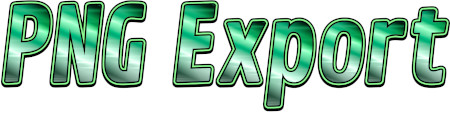
High-Resolution PNG
Export clean, high-resolution PNG files for environments that don't support color fonts. Ideal for print previews, mockups and static assets.
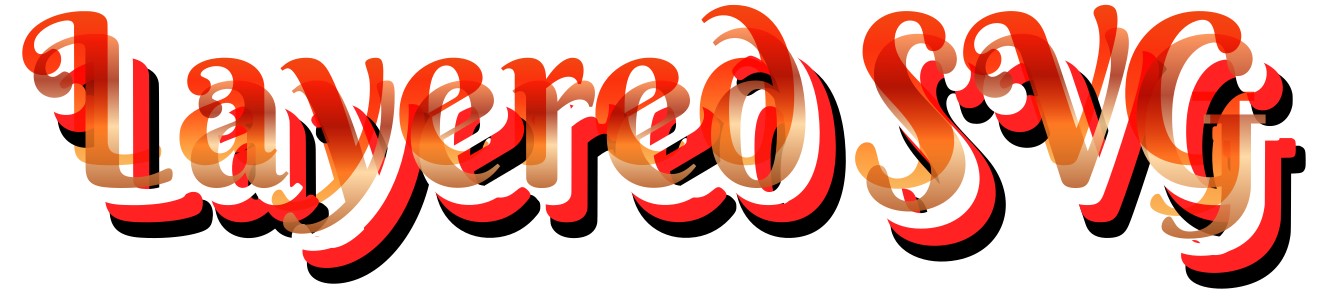
Layered SVG
Generate structured, multi-layer SVG files that work reliably in Cricut, Silhouette, laser cutters and illustration tools.
One System, Flexible Output
Use your design as:
- check_circleA structured color font (OTF / WOFF2) where supported
- check_circleA layered SVG for cutting and production
- check_circleA high-resolution PNG where needed
No rebuilding. No redesigning.
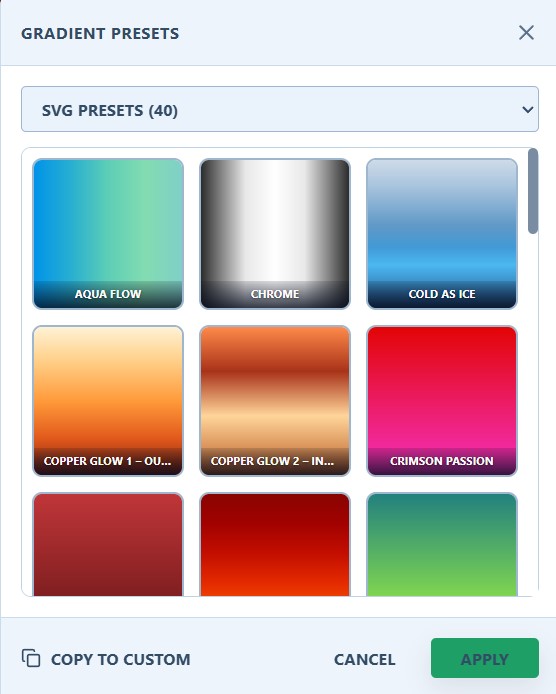
Gradient Library & Reusable Presets
Gradients in ColrStudio are reusable presets — not one-time effects.
Keep your colors consistent across fonts, SVG exports and projects.
What this means
- check_circleChoose from built-in gradient presets
- check_circleSave your own gradients as reusable styles
- check_circleKeep a portable library with backup & restore
Gradients remain structured parts of the font or SVG output — not flattened decorations.
Exports that match your workflow
Layered SVG
For Cricut, Plotter & Laser
Color Fonts
OTF & WOFF2 (COLRv1)
High-Res PNG
For Print & Web
Start creating with ColrStudio now
No registration. No tracking. No user data collected.